
Comprehensive Hardness Testing: Supports Vickers, Brinell, and Knoop tests—manual and automatic modes available.
Flexible & Compatible: Works with various cameras, microscopes, and capture cards.
Supports Multiple Formats: BMP, JPEG, TIFF, PNG, GIF, PSD – analyze any image type.
Real-Time Live Image Capture: Capture and analyze live images on the same platform.
Seamless Data Integration: Easily export graphs and charts to MS Word, Excel, or any Windows-based software.
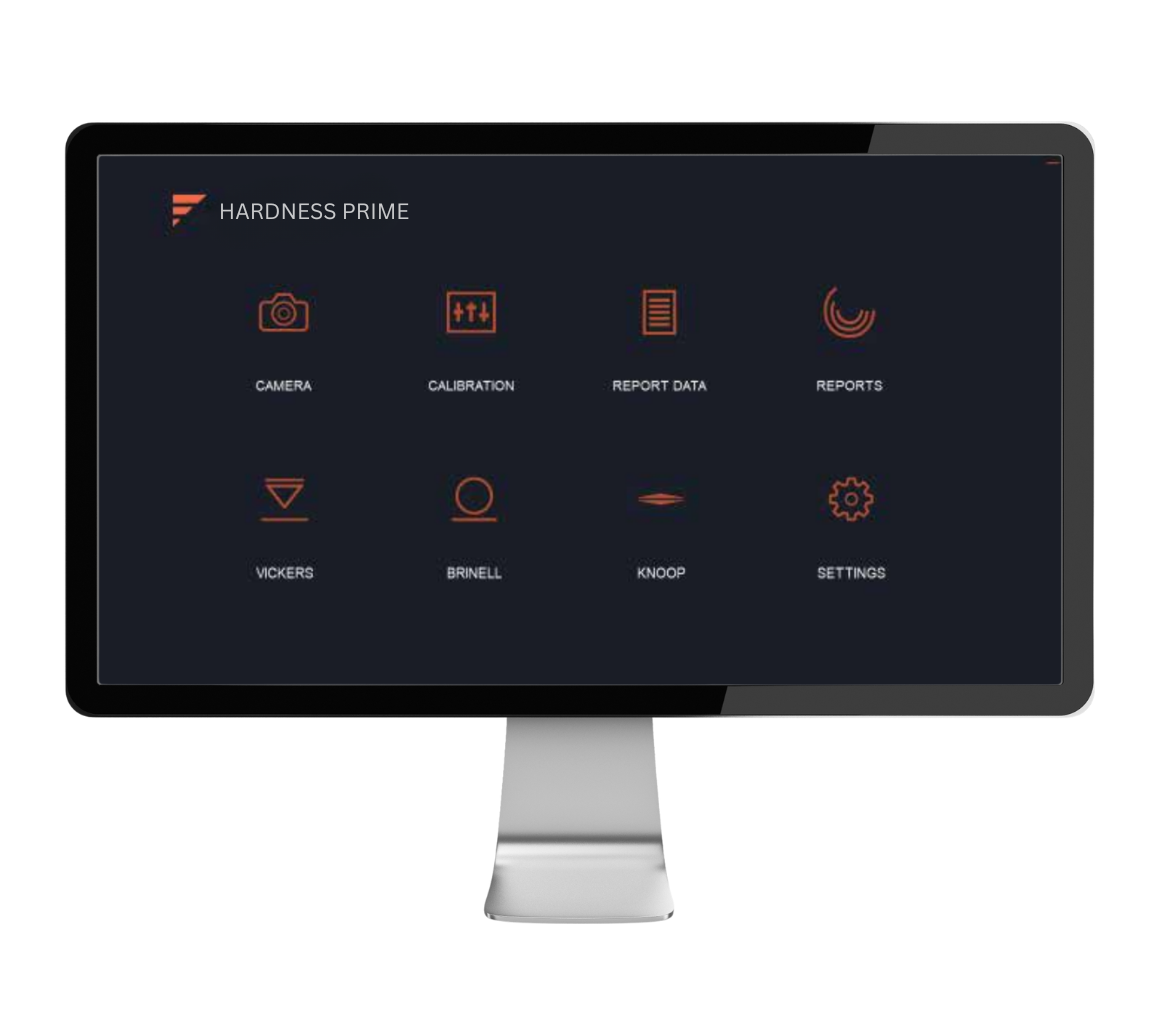
Hardness Prime is an advanced image analysis software designed to simplify and speed up hardness testing for Vickers, Brinell, and Knoop methods. Built for metallurgical labs, research institutes, and quality control departments, it delivers precise, repeatable results with manual and automatic modes. Compatible with most microscopes and digital cameras, Hardness Prime offers a powerful yet user-friendly platform to capture, measure, and report hardness values in minutes.
Key Highlights:
Manual & Automatic Measurement Modes
Switch between manual marking for special samples or let the software auto-detect indentations for faster, repeatable testing.
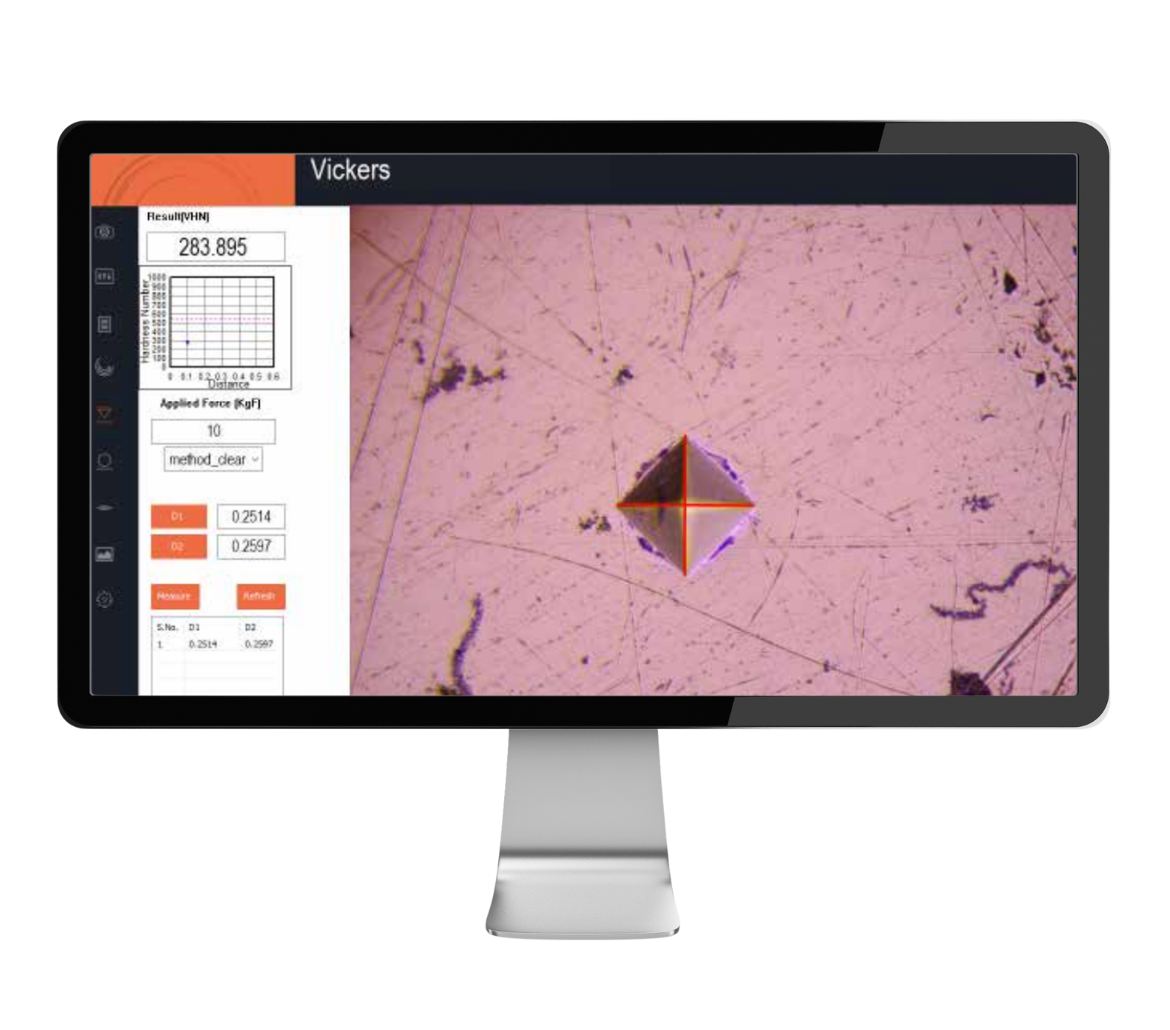
Vickers Hardness Test
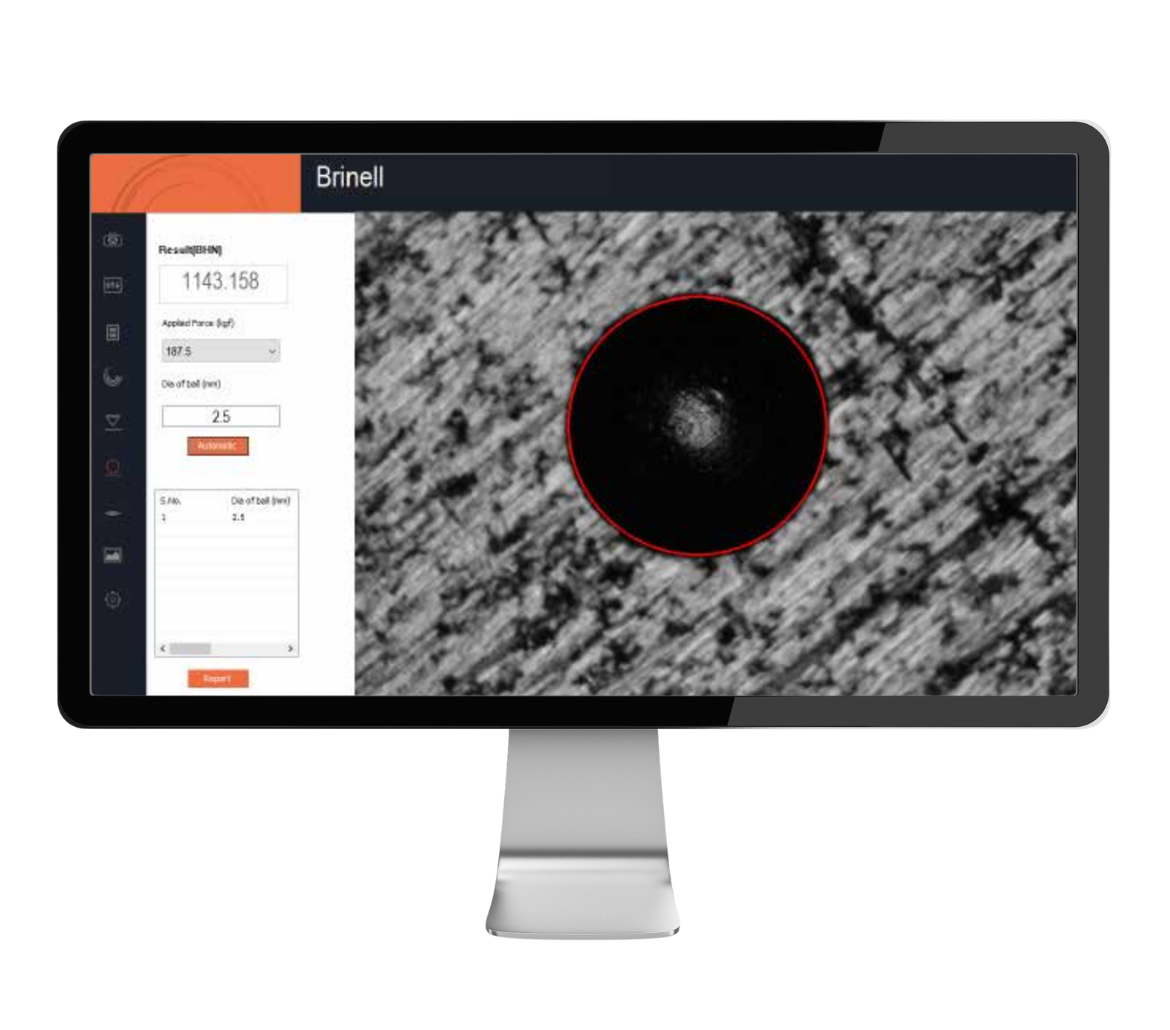
Brinell Hardness Test
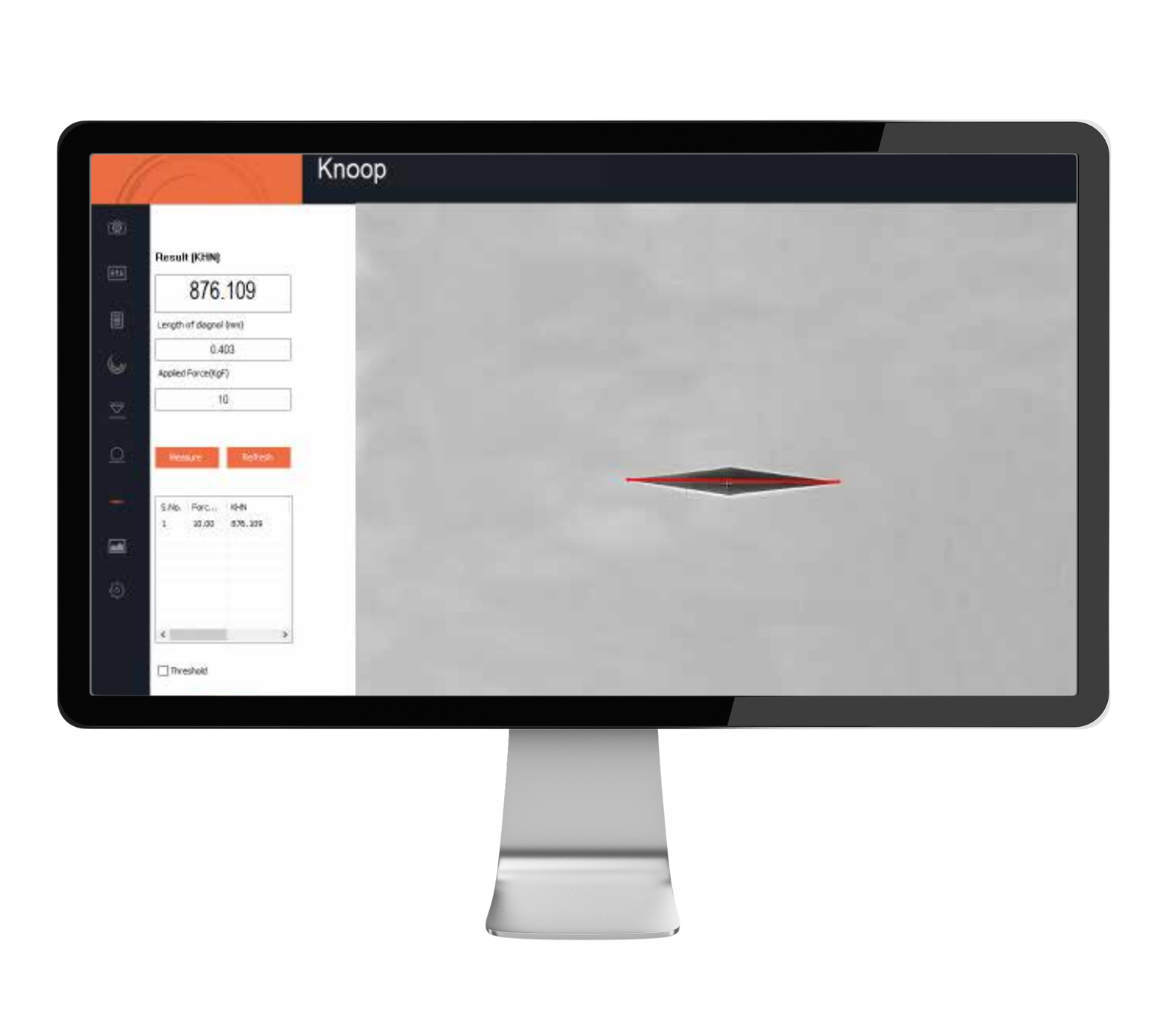
Knoop Hardness Test
Camera & Live Image Control
Adjust live image settings such as white balance, brightness, contrast, hue, and saturation. Capture images in various sizes and save them in organized folders for easy access.
Calibration & Reporting
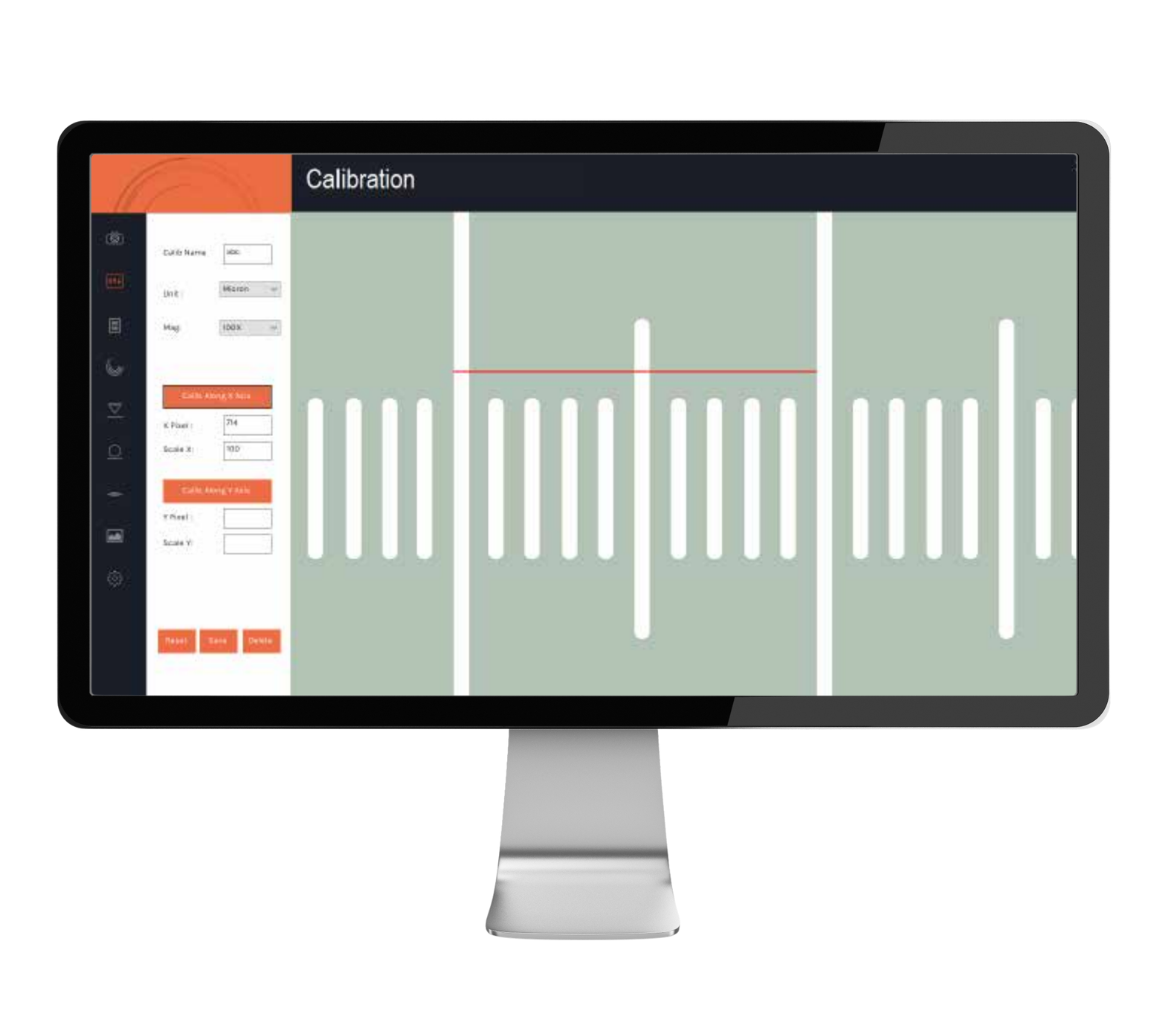
Calibrate once per objective for accurate measurements. Generate detailed reports ready for printing, sharing, or exporting to Word, Excel, or PDF.
| Modules Included | |
| Vickers Manual | For manual marking and measurement of Vickers indentations |
| Vickers Automatic | Auto-detection of Vickers indentations for faster processing |
| Brinell Manual | Manual measurement of Brinell impressions |
| Brinell Automatic | Auto-detection of Brinell impressions and calculation of mean diameter |
| Knoop Manual | Manual marking of the long diagonal for microhardness |
| Knoop Automatic | Automatic detection and measurement of the Knoop diagonal |
| Camera Control | Module for live image display, adjustments, and capture |
| Settings Module | Setup ISO/ASTM calibration, report formats, and display parameters |
| Calibration Module | Objective-wise calibration for measurement accuracy |
| Reporting Module | Save, retrieve, preview, and export reports in various formats |

989/16/2, FIRST FLOOR NEAR GAYATRI KRUPA ICE INDUSTRIES, MAKARPURA, VADODARA, GUJARAT - 390010